- What is an ERP Integrated B2B System?
- What are the ERP B2B System Modules?
- What does ERP integration bring to a B2B system?
- What should be considered when integrating an ERP system with a B2B system?
- An Example from One Industry: From Two Separate Systems to a Single Record
- Frequently Asked Questions
What is an ERP Integrated B2B System?
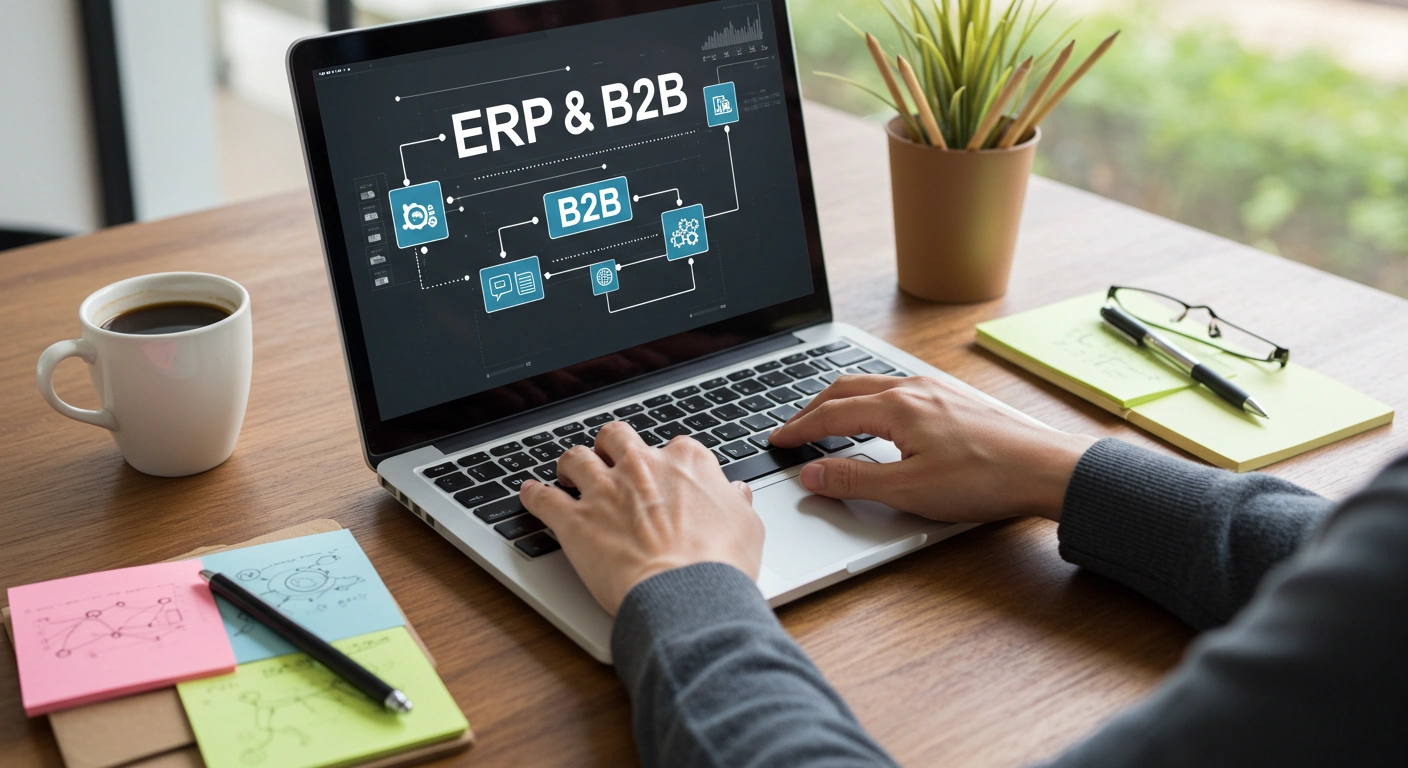
An ERP-integrated B2B system is a system where a business's B2B platform, which manages order, inventory, invoicing, and accounts receivable processes with its dealers/corporate customers, connects to its ERP software, which holds financial/accounting data, via API. Thanks to this integration, an order generated on the B2B side is reflected in accounting and inventory records without needing to be manually entered into the ERP system.
The fundamental difference between B2B and B2C lies in transaction volume and decision-making processes.
|
Model |
Key Difference |
|
B2B |
Transactions with dealers/corporate customers that require bulk approval, often in multiple steps, and necessitate ERP integration. |
|
B2C |
For one-off, quick sales to individual consumers, ERP integration is generally less critical. |
What are the ERP B2B System Modules?
|
Module |
His/Her job |
|
Financial Management |
Accounting records manage current accounts and payment tracking. |
|
Inventory and Warehouse Management |
It monitors inventory levels and warehouse movements in real time. |
|
Customer Relationship Management (CRM) |
It centralizes dealer/customer communication history and requests. |
|
Order and Dealer Management |
It manages dealer orders and authorizations. |
|
E-Collection System |
It automates the collection process via virtual POS and payment link. |
|
Risk Management |
It monitors dealer-based payment/due risk and financial risk. |
|
Production Process Management |
It matches resource planning and production flow with B2B demand. |
|
Shipping Management |
It synchronizes delivery and logistics processes with order data. |
What does ERP integration bring to a B2B system?
-
No more duplicate data entry: orders received by the sales representative are automatically processed without the accounting team having to manually enter them into the ERP system a second time.
-
Real-time stock/account synchronization: when the stock level is updated in the B2B panel, the record in the ERP is updated simultaneously.
-
Integration of payment and risk tracking: collections from dealers are automatically reflected in the current account, eliminating the need to separately track overdue balances in Excel.
-
Strengthening customer relationships: When CRM data is combined with payment history in the ERP system, a sales representative can see a dealer's payment habits before a meeting.
-
Operational efficiency: every step of the order-stock-collection chain is monitored through a single integration, not in separate systems.
-
Cost savings: time spent on duplicate entries and related correction processes is reduced.
-
Reporting accuracy: ERP and B2B data are reported from the same source, instead of conflicting figures from different systems.
What should be considered when integrating an ERP system with a B2B system?
|
Criterion |
Why is it important? |
|
Choosing the right software and ERP system. |
Suitability for business needs and API support form the basis of the integration. |
|
Integration process (API design) |
The direction and frequency of data synchronization must be clearly defined. |
|
Data security |
Authorization, encryption, and access controls must be established before integration. |
|
User training and interface |
Teams need training and a user-friendly interface to adopt the new workflow. |
|
Cost and return on investment analysis |
The total cost of ownership must be balanced with the benefits provided. |
|
Testing and verification |
Synchronizing with real data before going live reduces the risk. |
An Example from One Industry: From Two Separate Systems to a Single Record
In a manufacturing company where the sales team received orders from the B2B panel and the accounting team manually entered these orders into the ERP system, the figures between the two systems frequently didn't match at the end of the month. After ERP integration was implemented, orders, inventory reductions, and current account transactions began to be automatically reflected in the ERP; the accounting team only had to check the data instead of entering it.
“We no longer compare the two tables at the end of the month and look for the difference, because there is only one record anyway,” says the company’s finance manager.
Trizbi is a B2B dealer management software that integrates with your own ERP infrastructure, managing dealers' order, inventory, accounts receivable, and collection processes on a single platform. If you have an existing ERP system, it can integrate with it via API, eliminating duplicate entry issues.
Frequently Asked Questions
What is an ERP integrated B2B system?
The ERP integrated B2B system is an integration architecture where orders, stock, and customer transactions from dealers are automatically transferred to the ERP system without the need for manual processing.
What benefits does ERP integration bring to a B2B system?
It eliminates duplicate data entry, keeps inventory and current account records synchronized, and simplifies financial risk and payment tracking.
What are the most important things to consider when integrating an ERP system with a B2B system?
Selecting software that meets business needs, API-based integration processes, user training, and data security are the most critical aspects.
What is the difference between a B2B system and a B2C system?
B2B encompasses bulk and multi-step approval processes with retailers/corporate customers; B2C, on the other hand, covers sales to individual consumers, usually one-off transactions requiring quick decisions.
If we have an existing ERP system, can we integrate it with Trizbi?
Yes, Trizbi works with its own ERP infrastructure, but if you have an existing ERP system, integration with it can also be established via API.
Want to stop keeping your order and accounting data in two separate systems? Try Trizbi for 15 days free, without needing to provide your credit card information.
Related pages: How to Set Up a B2B System? (Setup Guide) · What is a Dealer Management System? (Comprehensive Guide)